
For employers
Background checks your team won’t have to chase.
Templeman’s investigators run your background checks. Order online in a minute. Your candidate does their part on their phone. You follow every check in one place, and you’re told the moment it’s done.
Background checks in two minutes
How you order a check, what your candidate does on their phone, and how results come back to you.
Read the transcript
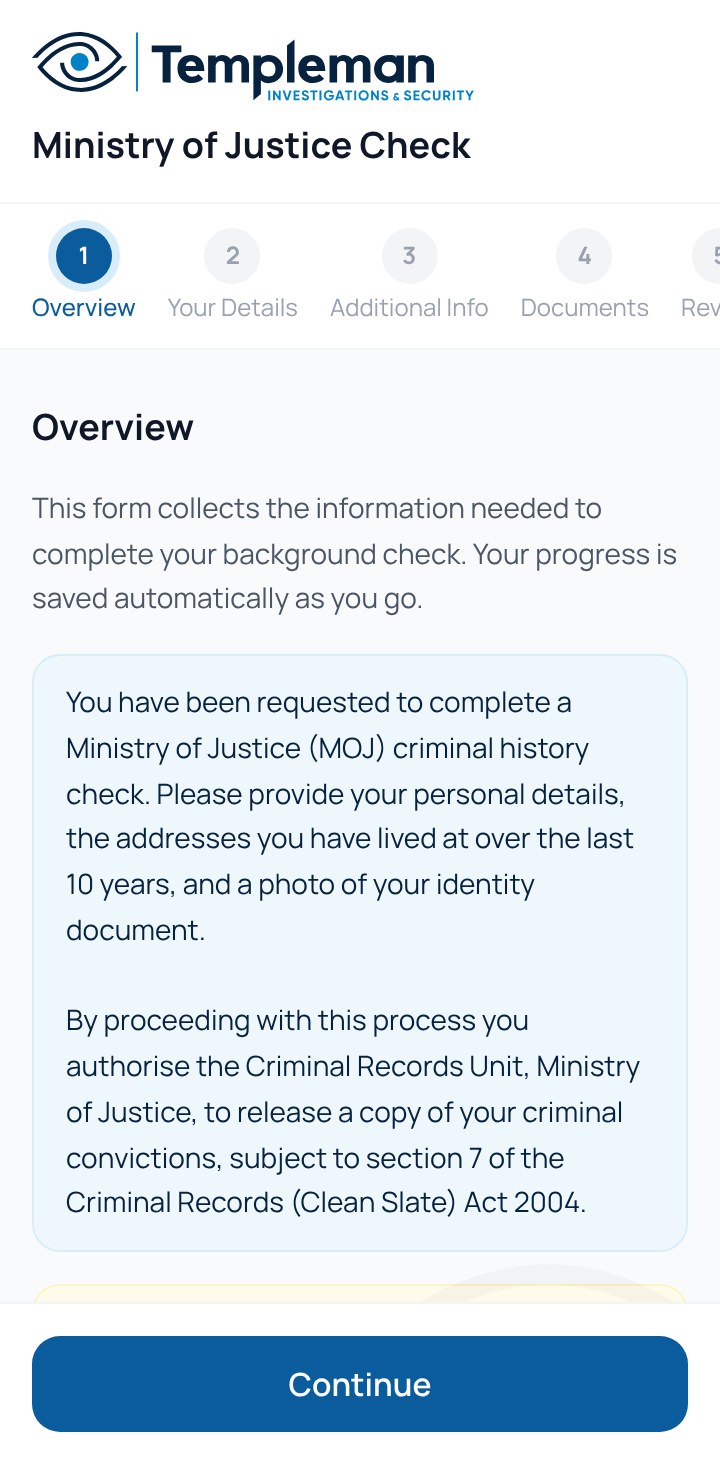
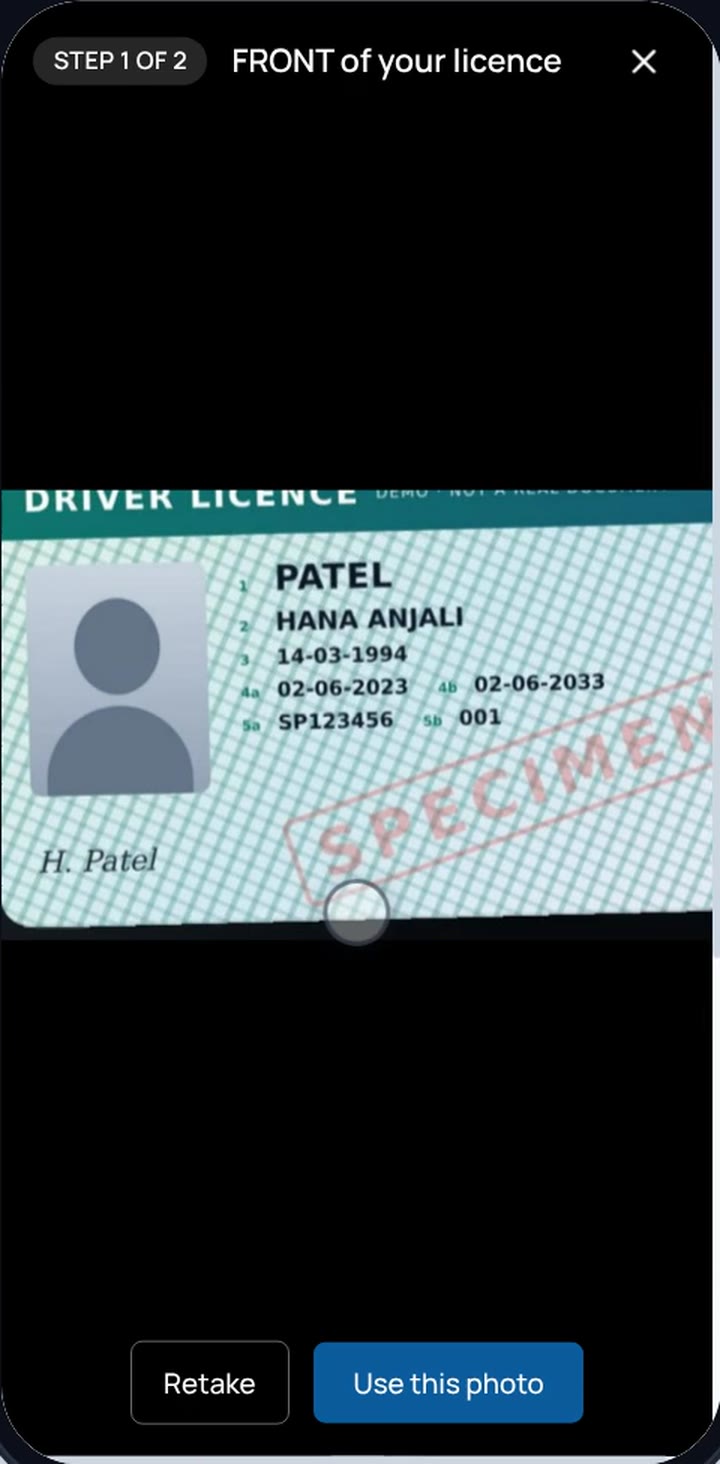
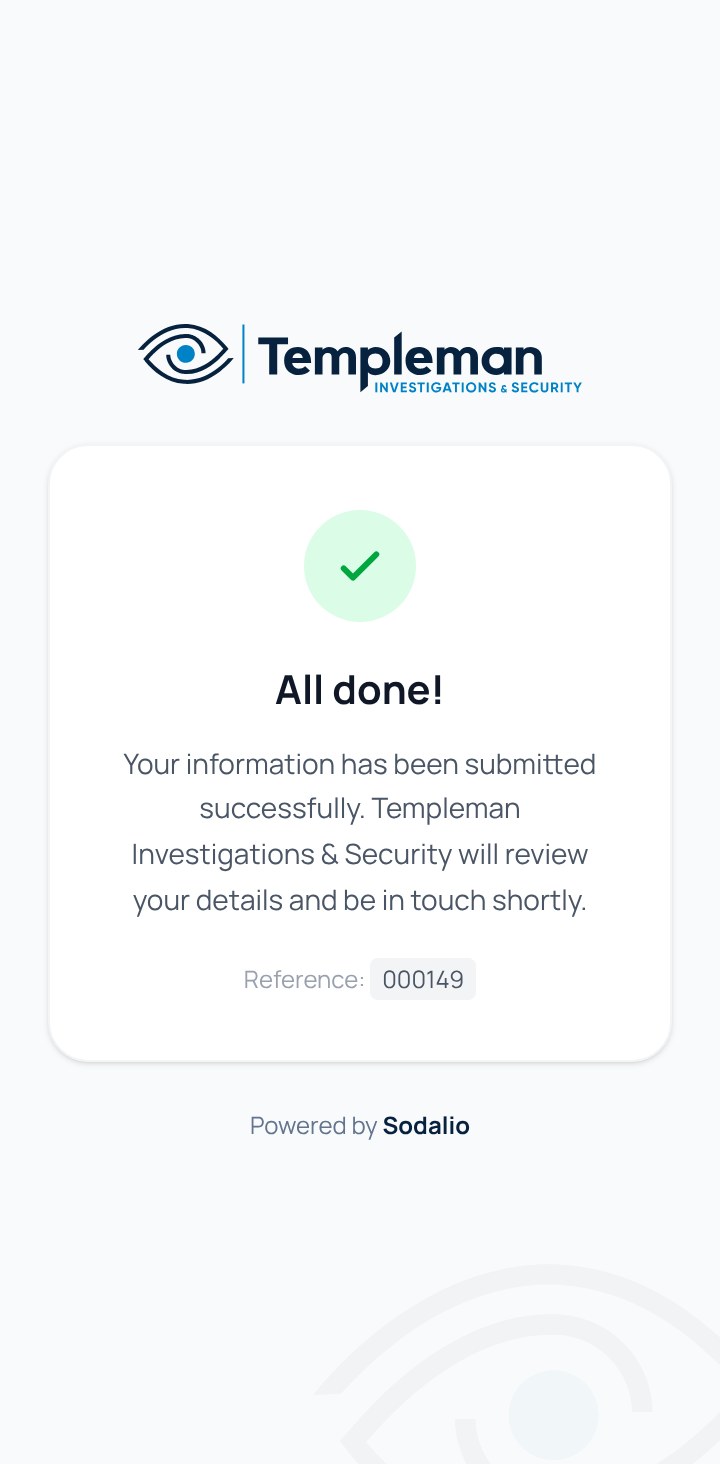
Hiring someone new? A background check should be an investigation, not a box-ticking exercise. This is Templeman Background Checks. You order checks in a minute, your candidate finishes theirs on their phone, and our investigators pick up the phone. Here’s how it works. From your dashboard, start a new check. Add your candidate’s name and email, tick the checks you need, and create the job. Your candidate is sent a secure link straight away. No forms to email back and forth, and nothing to chase. Your candidate opens the link on their phone. There’s no app to install, and no account to create. They see exactly what’s being checked, and why, in plain English. Details you’ve already entered are filled in for them. Everything saves as they go, so they can stop and finish later. For ID, they point their camera at their driver licence. The photo is taken as soon as it’s lined up, and their details are filled in from it. Their details come straight from the licence, ready to check. Then they review, give their consent, and submit. Back in your portal, you see the moment they submit. As each check comes back, it turns green, or red if there’s something to look at. When everything’s complete, you’re emailed the outcomes, so there’s no need to keep checking. Reports open only after a privacy agreement, so sensitive information is handled properly, every time. And if a candidate needs a nudge, overdue checks are one click away. Real conversations. Verified backgrounds. Better hiring decisions. Templeman Background Checks. Investigated, not box-ticked.
How it works
From order to result
- 1
Order
From Jobs, select + New check. Add the candidate’s name, email and mobile, your own reference, and tick the checks you need.
- 2
Your candidate
They get a secure link straight away and complete everything on their phone. Their progress saves as they go.
- 3
Track
Awaiting candidate, In progress, Completed. One-click filters, search, and overdue jobs flagged after 7 or 21 days.
- 4
Results
Each check is Clear, Findings or Unable to complete, with Templeman’s summary and report. You’re emailed when it’s all done.
The checks we run
Order one, or several in a single job
Reference checks
Phone conversations with previous employers and others who worked with your candidate.
Ministry of Justice checks
Criminal conviction history, requested with your candidate’s consent.
Credit history checks
Defaults and judgments on file, for candidates aged 18 or over.
Qualifications checks
Confirmation that the qualifications on the CV were awarded.
Need a check that isn’t listed? Ask us.
For your team
Less admin, more certainty
Every check at a glance
Green is clear, red has adverse results for your review, amber is in progress. Filter by status in one click.
No more chasing
Overdue jobs are flagged for you, and Templeman can resend a candidate’s link.
Emailed when it’s done
The hiring manager on the job gets each check’s outcome as soon as everything’s complete.
Reports, handled properly
Every report opens through a privacy agreement under the Privacy Act 2020.
Your own references
Add your PO or reference number to every job, and search by it later.
Training built in
Short training videos for hiring managers and HR staff, inside the portal once you log in.
What your candidates see
A first impression you’ll be glad of
Getting started
Setting up your account
Templeman creates an account for each person on your team, and each gets a “Set up your Templeman Background Checks account” email. From there to your dashboard takes about two minutes. Once you’re in, select Training in the menu for short videos on ordering checks, tracking progress, and handling results.
No set-up email? Check your junk folder, then ask Templeman to resend it.
Setting up your account
Your welcome email, choosing a password, signing in, and finding your way around.
Read the transcript
Welcome to Templeman Background Checks, where you order and track background checks for your candidates. In the next two minutes, you’ll set up your account, sign in, and find your way around. When Templeman adds you, you’ll receive a welcome email called “Set up your Templeman Background Checks account”. Select Set your password within twenty-four hours. Choose a password. Each rule turns green as you meet it: at least eight characters, upper and lower case, a number, and a special character. Type it again to confirm, then select Set Password. You’re ready to sign in. Sign in with your work email and your new password. If you ever forget it, select “Forgot password?” and a fresh link is emailed to you. This is your dashboard. The Templeman logo sits at the top left, and your initials, on the right, open your profile. Use the menu to move between your Dashboard and your Jobs. These tiles summarise all your jobs: how many in total, in progress, completed, and awaiting your candidate. Click any tile to open the full list. Recent Jobs shows your five latest, each with its job number, status, and candidate. Notifications list candidates who haven’t finished their details yet, so you know who to follow up. Quick Actions start a new job, or open your full list. To update your details, click your initials. Keep your mobile number current, in international format. You can change your password here too. When you’re done, select Save Changes. Finished for the day? Select Logout. For your security, you’re also signed out automatically after thirty minutes of inactivity. That’s it. You’re set up and ready to go. In Module 2, we’ll order your first background check.
Want Templeman to run your background checks?
There’s nothing to install. Your team orders checks online, and our investigators do the rest.
- 1
Talk to us
Tell us about the roles you hire for and the checks you need.
- 2
We set you up
Templeman creates accounts for your team. Each person gets a set-up email.
- 3
Order your first check
Log in, add your candidate and tick the checks. Our investigators do the rest.